
TOESA AI · photo to video · 2026
TOESA AI turns one photo into a quit-job dance video
TOESA AI runs here. One photo in, optional reference keyframes, a short prompt, then a vertical stage-debut video or quit-job dance video out.
What TOESA AI is
TOESA AI is a fan-made web generator for the 2026 quit-job dance trend and the stage-debut trend. TOESA AI is not an idol name, not a hotel brand, and not a record label. TOESA AI accepts one photo you own, optional reference keyframes, and a short prompt. TOESA AI then returns a vertical video aimed at phone feeds.
People searching this topic usually want a direct path from one photo to a finished-looking clip. TOESA AI answers that beside the explanation. The form is the product. A separate editor tab is unnecessary for the first draft.
Concrete facts for TOESA AI: the required photo is JPEG, PNG, or WebP, face forward, max 7 MB. Reference keyframes are optional. The prompt should stay under 200 characters and name either a stage debut or a quit job. Signup does not include free credits. Paid use starts at $9 per month for 5000 credits. Target output is a vertical 9:16 frame, about 5 to 15 seconds. Today the video provider is a stub that stores a pending task. TOESA AI also draws a 1080 by 1920 preview you can download immediately.
How to make a TOESA AI video
TOESA AI uses three inputs. Follow them in order so a bad file never reaches generate.
1. Upload 1 photo
Param: image/jpeg, image/png, or image/webp. Face toward the camera. Max 7 MB. One person only. TOESA AI treats that face as the lead.
2. Add reference keyframes
Param: optional. Use motion stills or a short reference clip for pose and timing. Do not use the file as a request for someone else's face. Skip the field if you only want the prompt to steer TOESA AI.
3. Prompt and generate
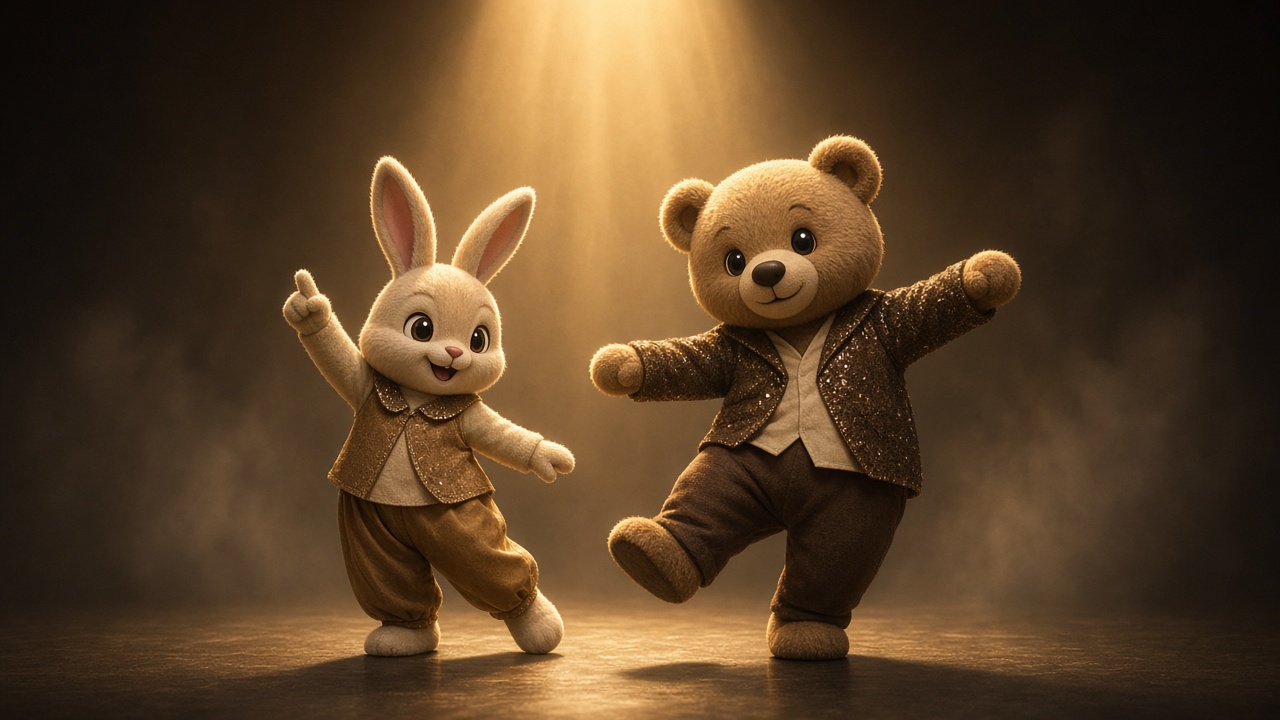
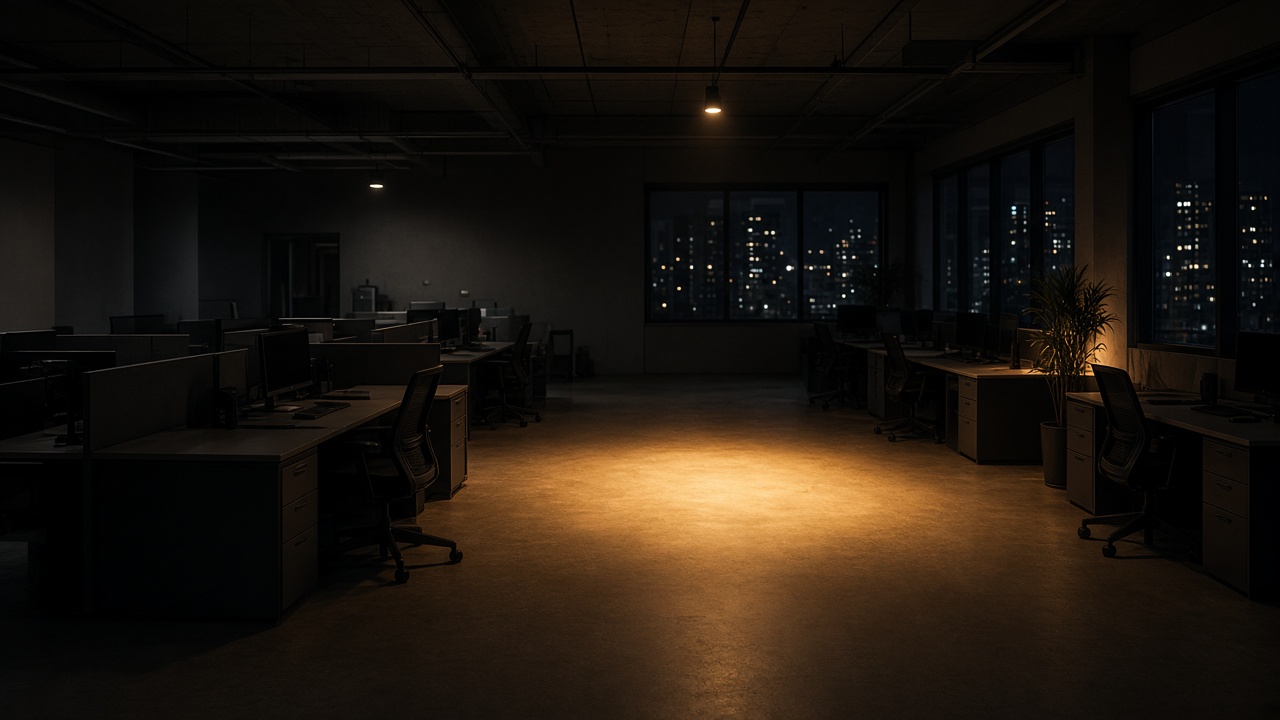
Param: a short direction, then Generate TOESA AI video. Example stage direction: warm spotlight, two mascot dancers, confetti, vertical framing. Example quit job direction: bright office, a spin, jacket over one shoulder, look to camera. TOESA AI builds a preview PNG and, when you are signed in, queues a video task from the same form.
TOESA AI parameters
Photo types: JPEG, PNG, WebP. Photo size: 7 MB max. Photo count: 1. Keyframes: optional. Prompt length: aim under 200 characters. Output frame: vertical 9:16. Preview file: PNG, 1080 by 1920. Video task: pending until a provider is connected. Price: no credits on signup; Starter $9 per month for 5000 credits. Language: English and Chinese. Full packs are listed on the pricing page. TOESA AI pricing
TOESA AI versus other ways to make the clip
CapCut can build the same trend if you hunt a template, mark the beat, and fix the face by hand. A generic swap app often steers people toward a celebrity likeness, which is the wrong job. TOESA AI asks for your photo, your optional keyframes, and your prompt, then generates here. Desktop polish can come later. It is not required to leave with a first draft.
Choose TOESA AI when you want one photo in and a vertical quit-job video or stage-debut video out. Choose a timeline editor when you already have a cut and only need titles or licensed audio. Many people draft in TOESA AI, then finish elsewhere.
| Tool | You bring | You get | Template hunt |
|---|---|---|---|
| TOESA AI | 1 photo, optional keyframes, prompt | vertical preview download | No |
| CapCut | a timeline plus a template | a manual cut | Yes |
| Generic swap | often a celebrity request | a risky likeness | Varies |
Rights and risk bounds for TOESA AI
TOESA AI does not host original commercial songs or official artist marks. You add licensed or original audio yourself when you post. TOESA AI only accepts a photo you have rights to use. Do not ask TOESA AI for a real performer's face, a label logo, or a named idol. TOESA AI is an independent fan tool and is not affiliated with any label, agency, or artist. Blurry photos, side profiles, and group shots make a weak lead. TOESA AI will still accept the file, but the preview will show that weakness honestly.
Prompt examples and failures for TOESA AI
TOESA AI follows the prompt literally. A stage example names the light, the dancers, and the frame: warm spotlight, two mascot dancers, confetti, vertical framing. A quit job example names the room and the motion: bright office, a spin, jacket over one shoulder, look to camera. Name the place, the motion, and the framing. Skip celebrity names.
TOESA AI does poorly with a side profile, a crowded group, or a dark snapshot. Use a front-facing photo with one face. If the preview looks soft, replace the photo and generate again. TOESA AI will not add a commercial song. Bring your own licensed audio after you download the preview.
TOESA AI questions
One question, one answer. The first sentence is the conclusion.
Does TOESA AI give free credits on signup?
No. Signup does not include trial credits. Paid packs start at $9 per month for 5000 credits. The form on this page still builds a 1080 by 1920 preview you can download. A CapCut template is not required.
How do I make a TOESA AI quit-job or stage-debut video from one photo?
Use the form on this homepage. Upload 1 photo, add optional reference keyframes, write a short prompt, and press Generate. TOESA AI returns a vertical preview you can download here.
Do I need a CapCut template for TOESA AI?
No. TOESA AI generates the draft in the form above. A timeline editor is optional later for cuts and titles.
Do I need the original song for a TOESA AI video?
No. TOESA AI does not host original commercial tracks. Add audio you have rights to use when you publish.
Can I upload any photo to TOESA AI?
No. Upload only a photo you own. TOESA AI is a fan tool, not a lookalike studio for real artists.
What file does TOESA AI give me?
A vertical preview PNG, 1080 by 1920, downloads from this form. Signed-in runs also store a pending video task targeted at 9:16. The live provider is still a stub.
Which should I pick, a template editor or TOESA AI?
Start with TOESA AI if you have one photo and a prompt. Use a template editor if you want manual timing. The two steps can be sequential.